
Free bill analysis - bring a power bill, get the production math for your actual roof, panel brands like Qcells and REC compared side by side
If the pitch starts at your door and ends with "sign tonight for the special," sleep on it. The sun will still be there tomorrow; so will we.
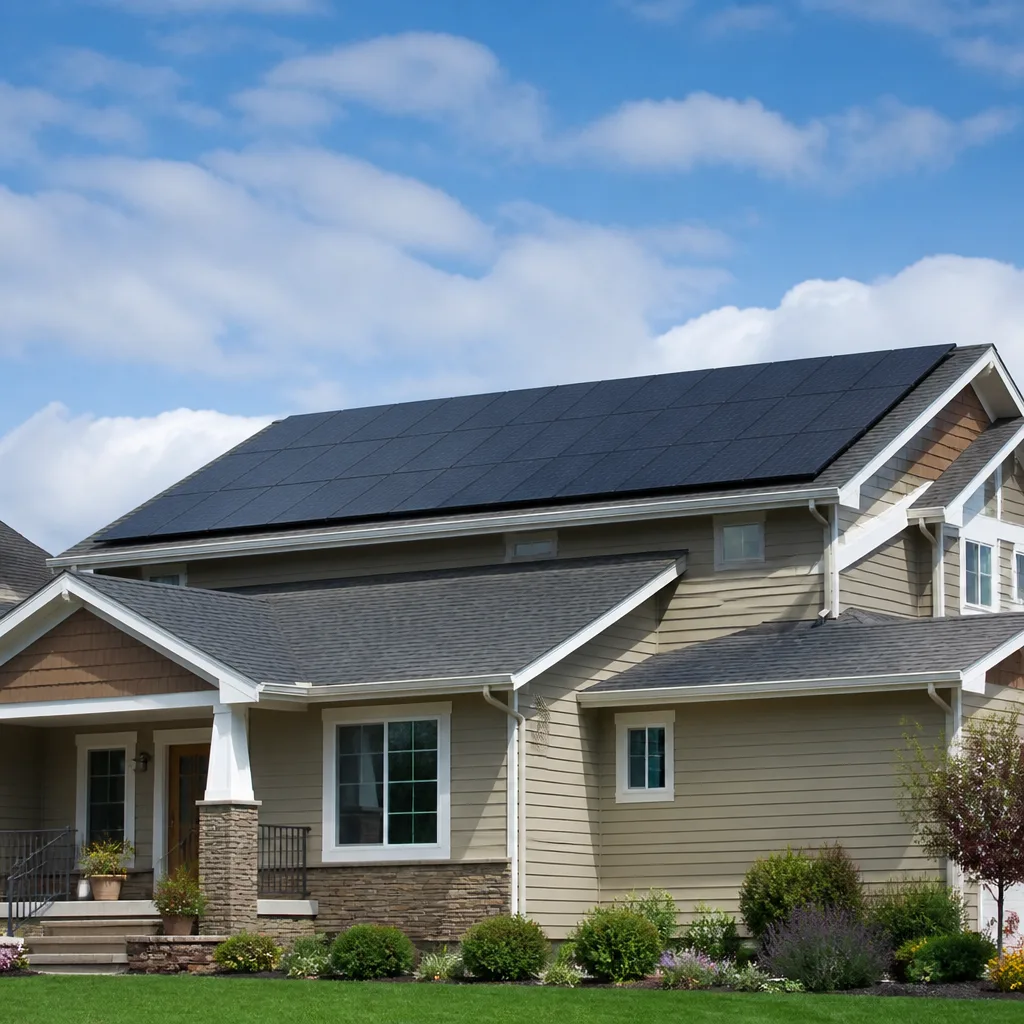
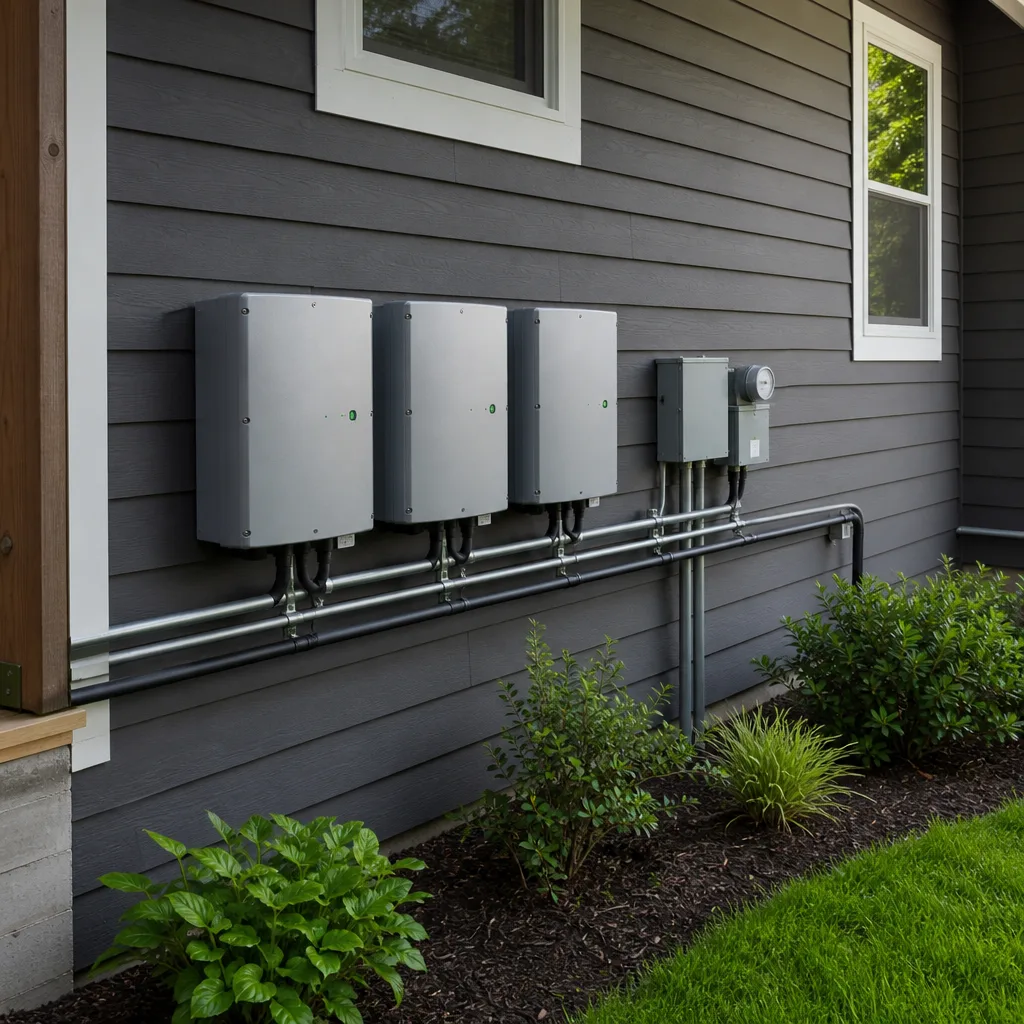
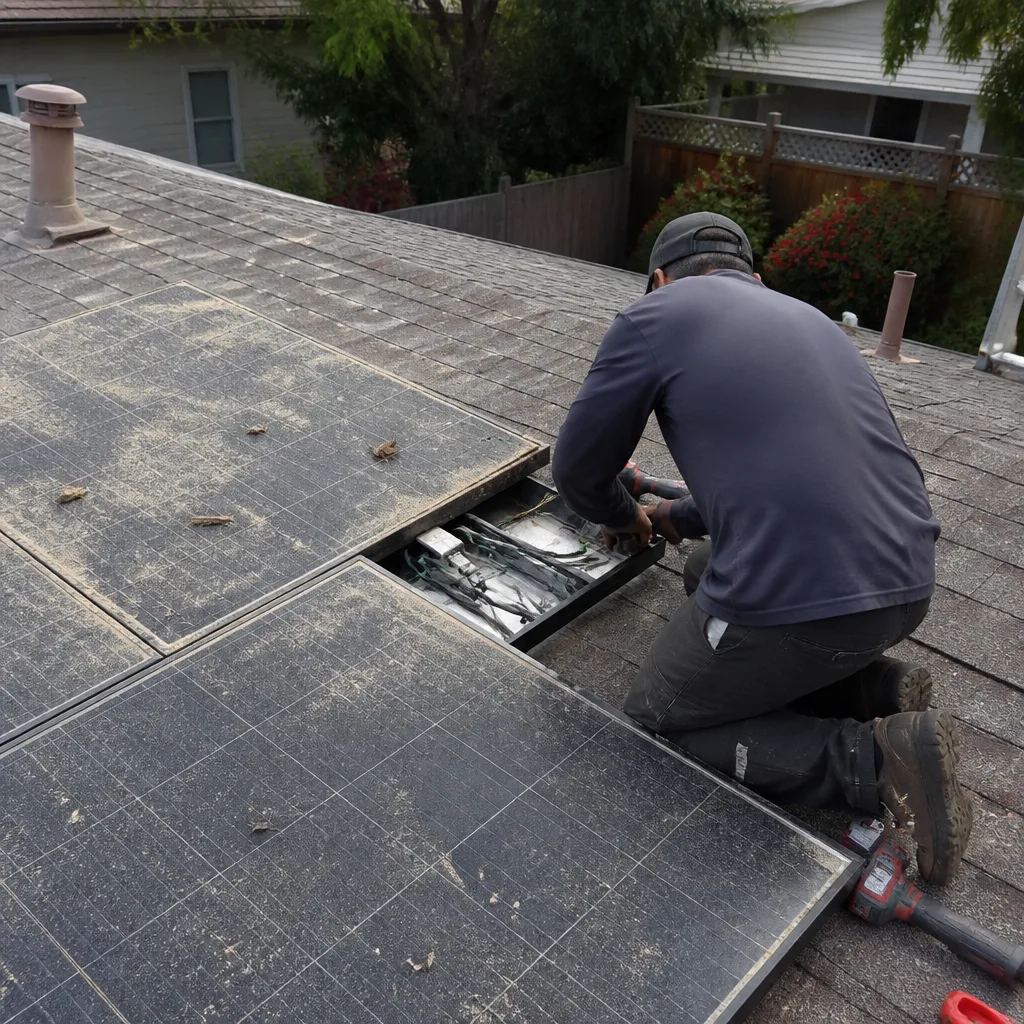 Before
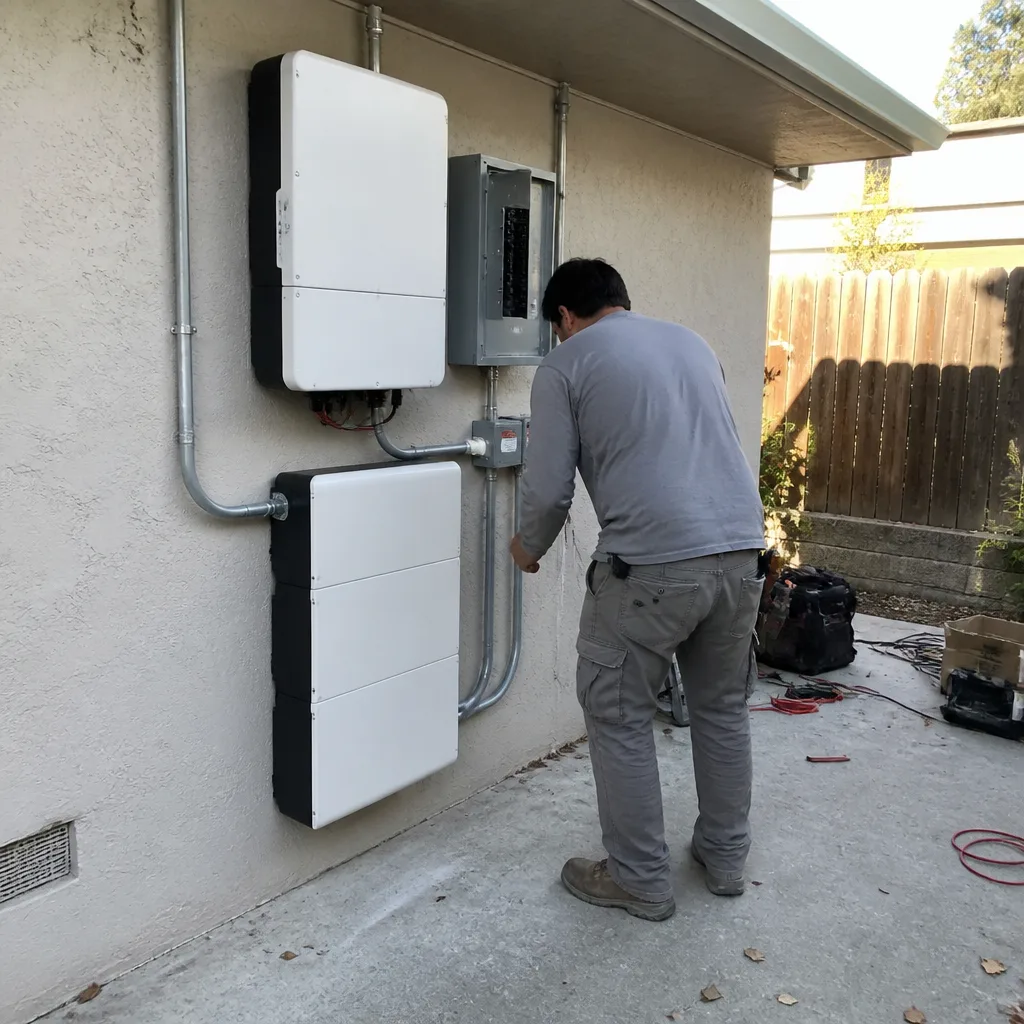 After
After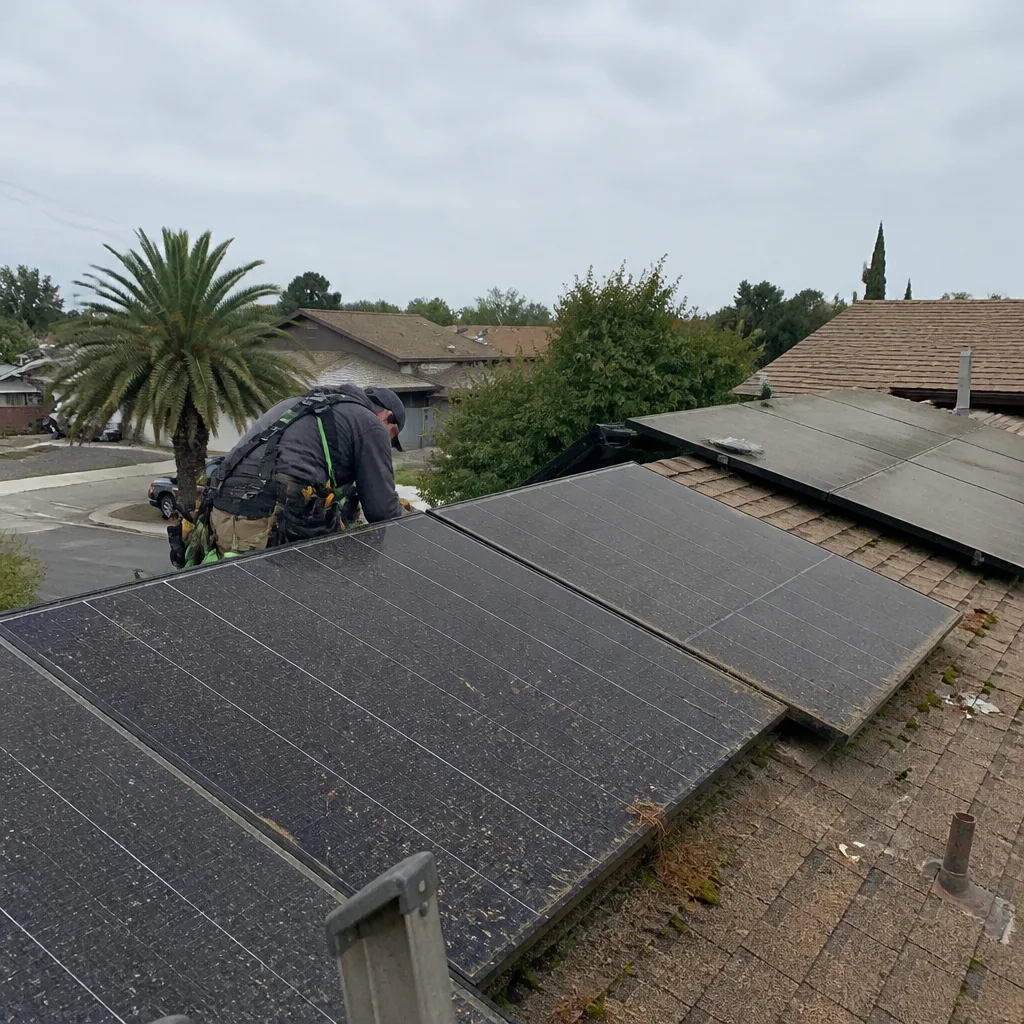 Before
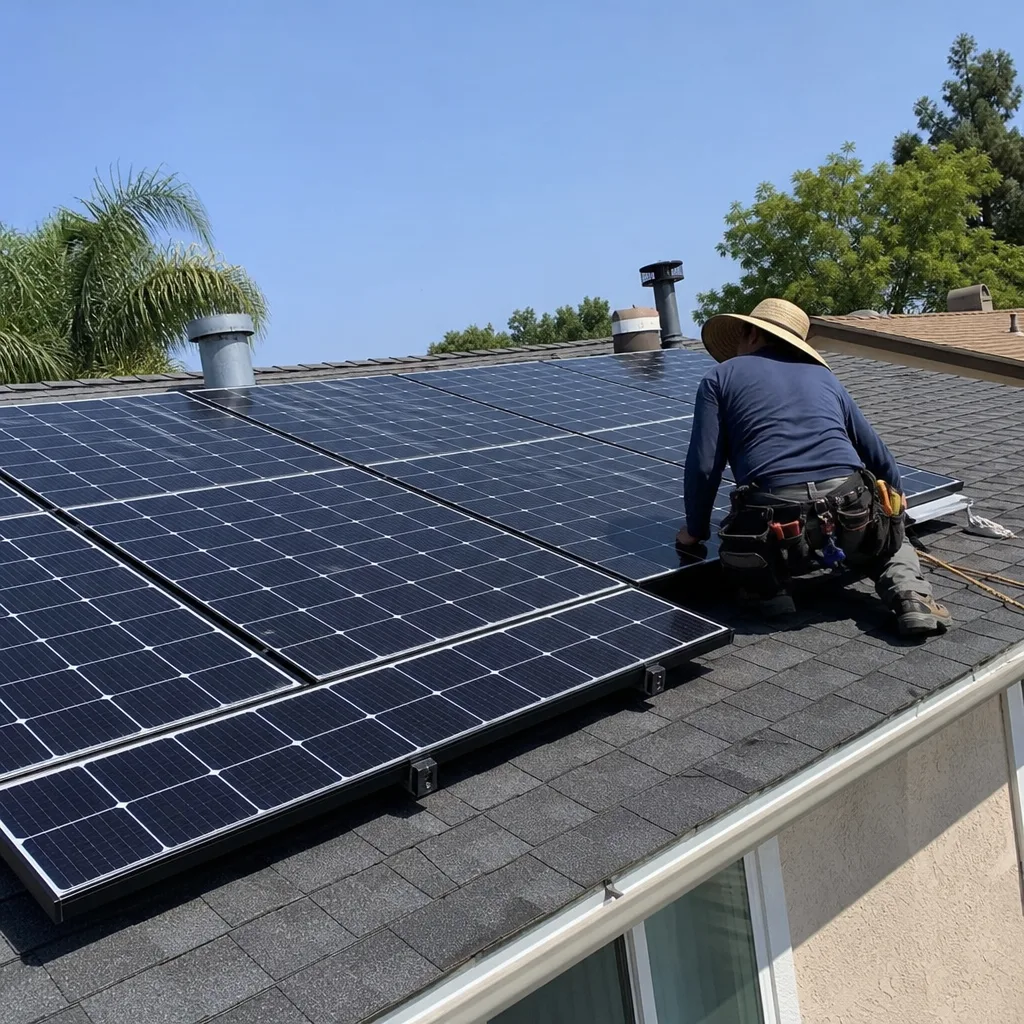 After
After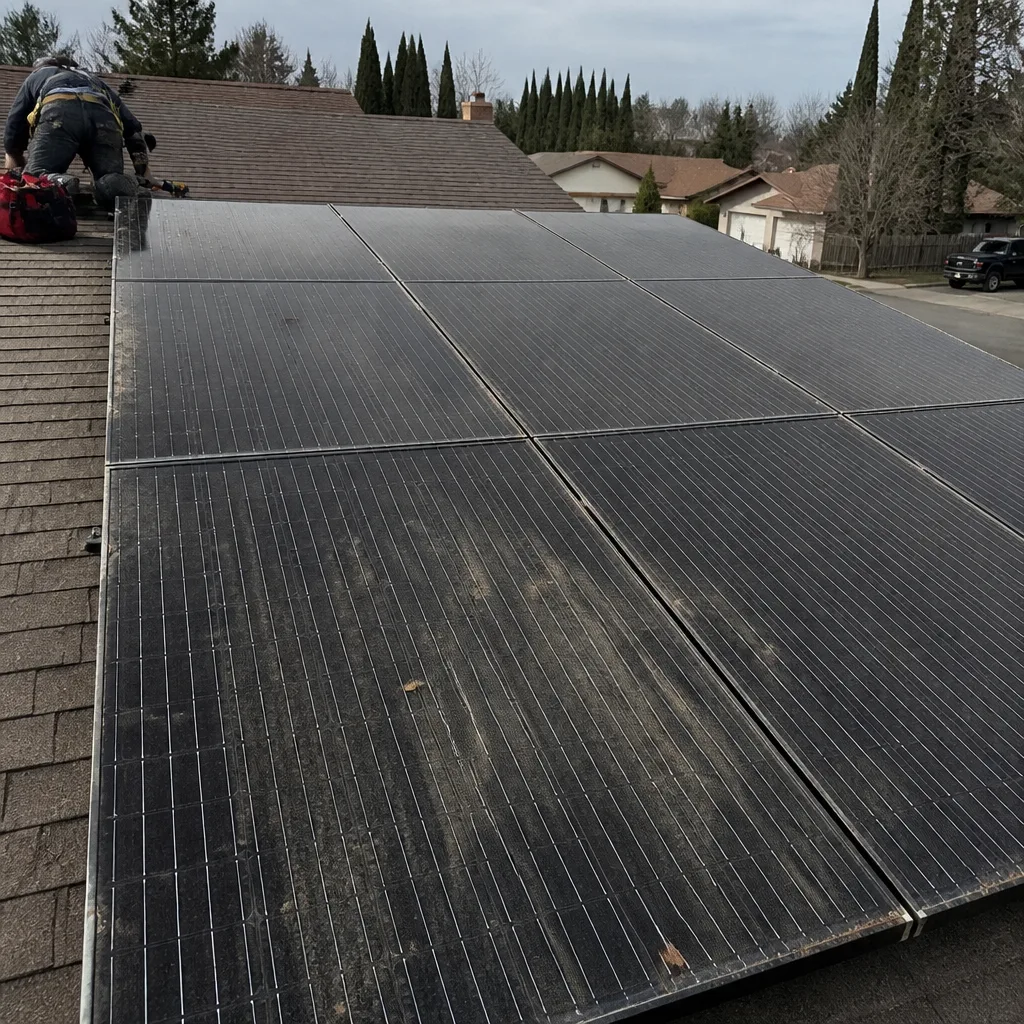 Before
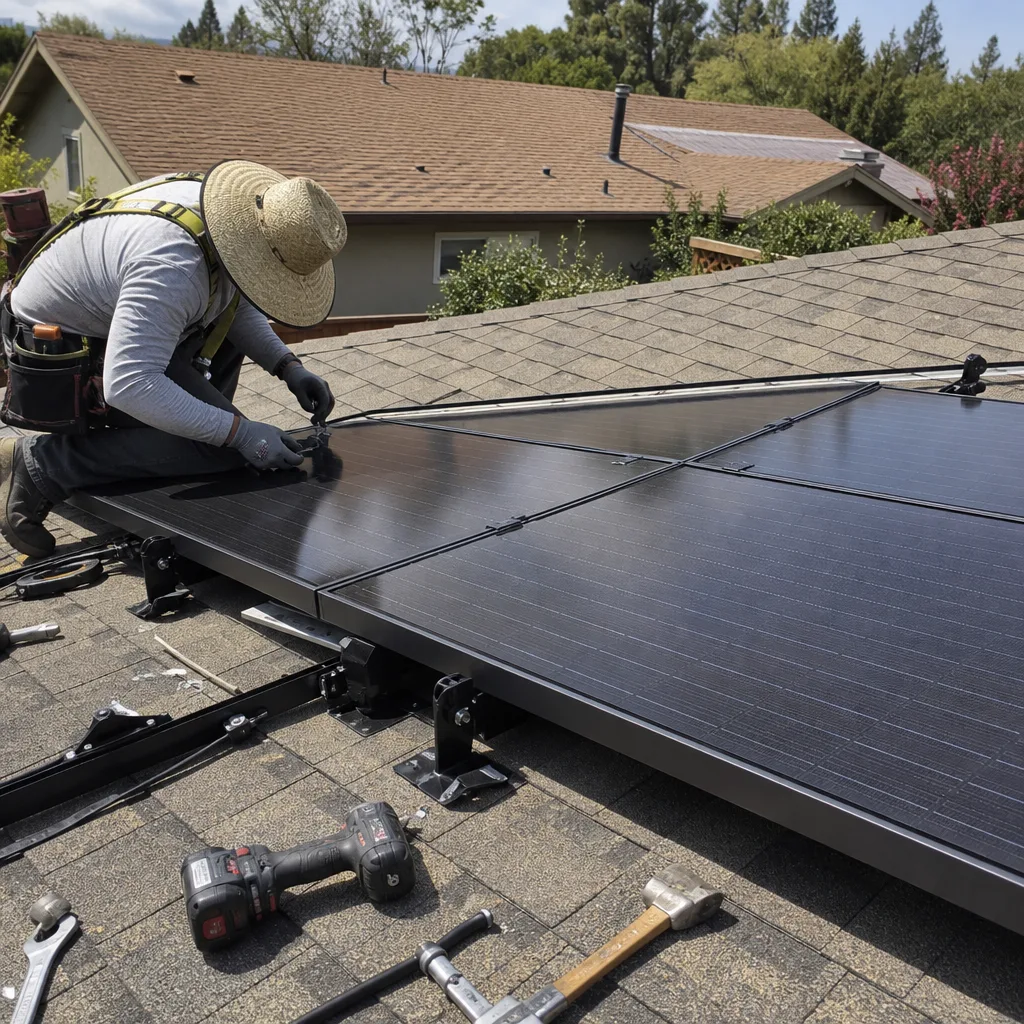 After
AfterTesla Solar Battery Storage & Backup: The San Jose Owner’s Guide
We stock, install, and service Tesla solar battery storage systems across San Jose, with most backup battery replacements running between $1,800 and $4,200 installed depending on the model and what failed. You’ll usually find us at your door the same day or next morning, and the work is backed by our 90-Day Done Right Promise in writing. Most owners discover the problem when the app throws a fault code after a power blip, or the battery simply stops taking a charge and the house pulls from PG&E when it shouldn’t be.
Here’s the thing about Tesla battery storage in San Jose specifically: our summer heat is rough on the cooling systems inside these units, and our winter storm season is when they get pushed hardest. We see more Tesla Powerwall failures in San Jose between August and October than any other stretch, because that’s when the units have been cycling hard for months in 90-degree garage heat. If yours is acting up right now, you’re not alone, and it’s probably not a full replacement.
Which Tesla Models This Applies To
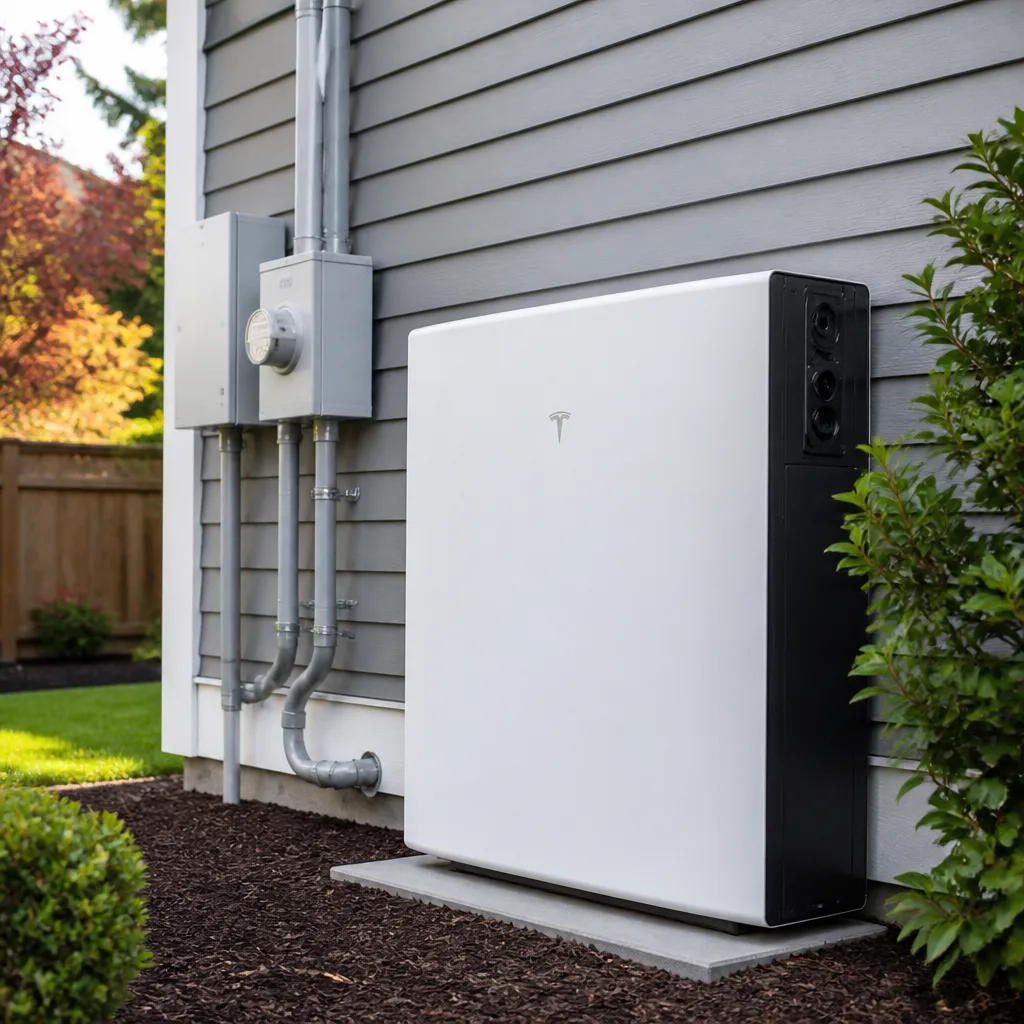
We service the entire Tesla battery line: Powerwall 2, Powerwall 3, Powerwall+ and the newer Powerwall 3 Expansion packs. The compatibility gotcha most San Jose owners hit is this: Powerwall 2 and Powerwall+ are not interchangeable with Powerwall 3 in the same stack. Tesla changed the internal architecture between generations, so a Powerwall 3 cannot be added to an existing Powerwall 2 array as a simple expansion. You can run them as separate systems, but they won’t share one brain.
To identify what you have, open the Tesla app and look under Settings > My Home Info, or read the label on the right side of the unit. The model number starts with “1092170” for Powerwall 2, “1707000” for Powerwall+, and “1745658” for Powerwall 3. Most San Jose homes we visit have either a single Powerwall 2 from 2018-2021 or a Powerwall 3 from 2023 onward. We stock OEM Tesla parts plus quality third-party equivalents for common failure points, and we’ll tell you honestly which one makes sense for your situation. We’re an independent shop, not affiliated with Tesla directly, but we’ve installed and repaired enough of their gear to know it inside and out.
Signs Your Tesla Solar Battery Storage & Backup Is Failing
- Battery won’t charge past a certain percentage (often 40-60%). This typically points to a failing cell group or a battery management system calibration issue. We see this most in units that have gone through repeated deep discharges during PG&E outages. It rarely fixes itself, but it’s often repairable without swapping the entire unit.
- The Tesla app shows “Backup Gateway Offline” or drops connection repeatedly. The Gateway is the brain between your battery, panels, and the grid. When it loses communication, your battery still charges but won’t switch to backup mode when the power drops. In San Jose’s older neighborhoods with crowded Wi-Fi channels, interference makes this worse, but the root cause is usually the Gateway’s internal radio failing.
- A humming or buzzing that’s louder than usual, even when the battery isn’t cycling. The Powerwall’s internal fans and coolant pump wear out over time. Loud mechanical noise means the cooling system is working too hard, which will shorten the unit’s life. This is one where we’d rather catch it early than have it turn into an overheat shutdown in August.
- The unit trips its breaker or shows a “Grid Quality” fault in the app. San Jose has older transformers in neighborhoods like Rose Garden and Naglee Park, and when those act up, Tesla units sometimes misread the grid signal and refuse to reconnect. Sometimes it’s the utility’s fault. Sometimes it’s a failing inverter module inside the battery.
- Sudden drop in stored capacity, like a battery that used to carry you through the night draining by 10pm. Lithium-iron-phosphate and NMC cells degrade over time. A Powerwall 2 that’s six or seven years old and has cycled daily in a hot San Jose garage might be down to 60-70% of original capacity. That’s not a failure, it’s physics, but it means you’re paying PG&E more than you should be.
Replacement Cost & What’s Included
In San Jose, expect these installed price ranges:
- Full Powerwall 2 replacement: $2,200 – $3,500 installed, depending on whether we reuse your existing Gateway and wiring.
- Powerwall 3 replacement: $2,800 – $4,200 installed. Newer unit, different mounting hardware, slightly higher cost.
- Gateway replacement only: $850 – $1,400 installed. This fixes most connectivity and switching problems without touching the battery itself.
- Cooling fan or pump replacement: $350 – $700. The most common repair we do on units past the five-year mark.
Every quote is parts plus labor, itemized, no surprises. The price we give you over the phone is the price on the invoice. Our work carries a 90-Day Done Right Promise: if it’s not right, Gus makes it right. And if you’re a senior or veteran, take 10% off any repair. That discount never expires.
DIY or Call Us?
There are a few things you can safely check before calling. First, confirm your Tesla app is updated and your home Wi-Fi is reaching the Gateway. Second, look at the unit’s LED: solid green means it’s running, blinking means it’s communicating, red means fault. Third, check your main breaker panel for a tripped breaker labeled “ESS” or “Battery.” Those three checks solve maybe 20% of the calls we get in San Jose, and they cost you nothing.
Beyond that, please call us. A Tesla battery stores enough DC current to seriously injure or kill, and opening the unit’s cover exposes you to lethal voltage even when the battery is “off.” The inverter capacitors hold a charge for minutes after shutdown. Gus grew up in Willow Glen and he has seen what happens when someone with a YouTube education and a multimeter pokes around inside one of these. That guy got lucky. Don’t be that guy. Call (877) 550-6892 and we’ll come out, diagnose it properly, and give you a straight answer on whether it’s a repair or a replacement. No trip charge inside our own county, and we’ll show up when we say we will.
FAQs
A Tesla Powerwall in San Jose typically lasts 10-15 years before capacity drops below 70%, but the inverter and cooling components often fail between years 5-8 because our summer garage temperatures push them hard. If your unit is over five years old and acting up, it’s usually a repairable component, not a full battery failure. Call (877) 550-6892 and we’ll tell you honestly what’s left in your unit.
Yes, roughly 60% of the Tesla battery issues we see in San Jose are repairable without swapping the whole unit. Gateway replacements, cooling fans, coolant pumps, and battery management system recalibrations are all common fixes that cost far less than a new Powerwall. Before you let anyone sell you a full replacement, get a second opinion from us, it’s free.
A full Tesla Powerwall swap in San Jose usually takes 4-6 hours on site, and most of that is the electrical work and safety testing, not the physical install. We schedule a full day so we’re never rushed, and you’ll have backup power restored before we leave. Call (877) 550-6892 for a same-day or next-day slot.
We keep common Tesla replacement parts on the truck: Gateways, cooling fans, coolant pumps, disconnect switches, and the small boards that fail most often. Full Powerwall units are usually 2-4 days out from our supplier, so you won’t be down for weeks. If you’re in San Jose and your battery is dead, call (877) 550-6892 and we’ll tell you what we can do today.
Written by Gus Petrakis, Owner, Gus’s Solar at Gus’s Solar, serving San Jose and nearby areas.